Your Front Door Is Your First Firewall: Physical Security in a Digital World
You've got a password manager. Two-factor on everything. Maybe a VPN. But the server humming in your back office, the point-of-sale terminal at the counter, the filing cabinet with your customer records? A $12 padlock and a hollow-core door.
Digital security gets all the attention. Physical security is where a surprising number of breaches actually start.
Why physical access is a security problem, not just a safety one
Every piece of digital security you've invested in assumes one thing: that the wrong person can't physically touch your equipment. The moment someone walks up to an unlocked server rack, an unattended workstation, or a network closet propped open with a fire extinguisher, most of your digital defenses stop mattering.
Think about what physical access actually gives someone. A few unsupervised minutes with a workstation is enough to plug in a USB device, copy files, or install something that phones home long after they've left. An open network closet is a place to quietly tap into your infrastructure. A filing cabinet with a lock you can open with a paperclip is not really locked.
This is the part small businesses tend to skip. You don't need a corporate security budget to close these gaps. You need the right locks on the right things.
The five physical gaps most small businesses miss
Here's where we see the weak points most often, in roughly the order worth fixing them.
1. Server racks and network equipment
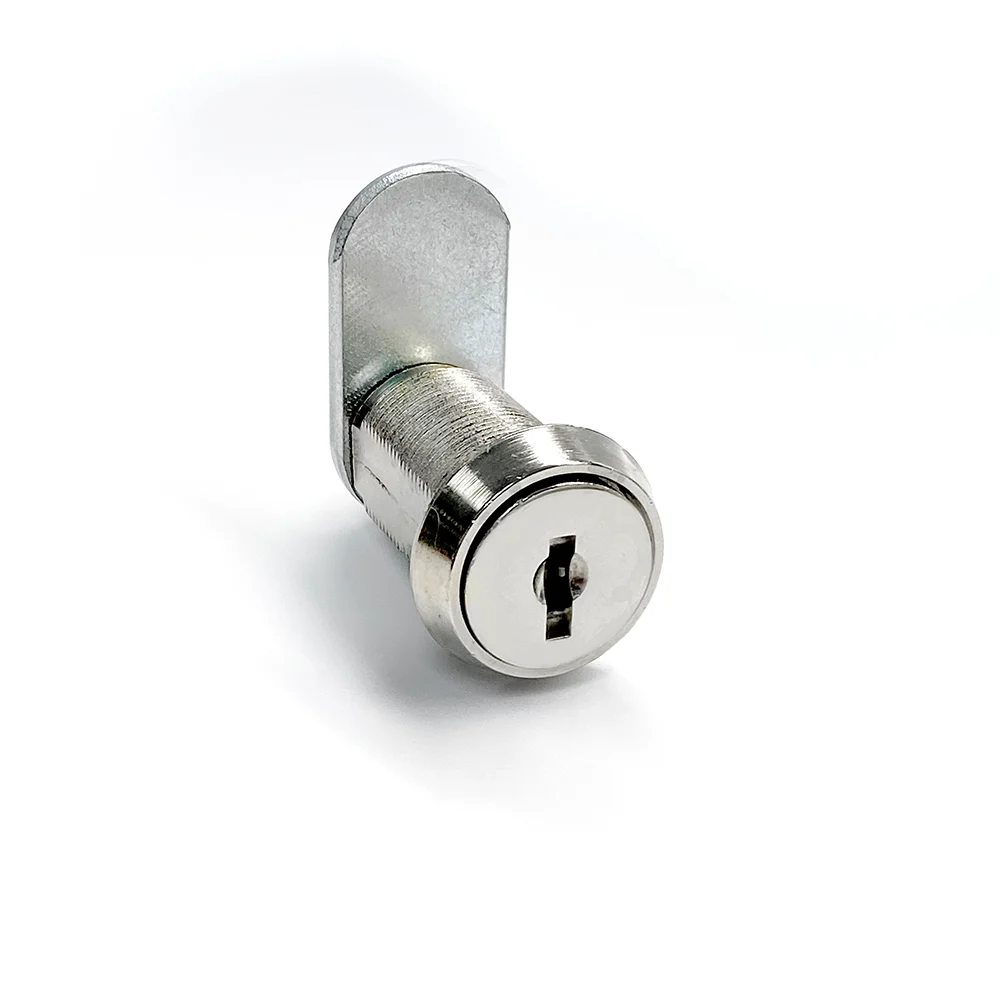
If your business runs on a server, a NAS, or networking gear, that hardware should live behind a lock. A cabinet lock or cam lock on the rack, and a keyed door on the room it sits in, turns "anyone who walks by" into "only people with a key." For a lot of small offices this is the single highest-value change you can make.
2. The network closet or IT room
That closet with the modem, the switch, and a tangle of cables is the nerve center of your network. It gets left unlocked because it's inconvenient, and because nobody thinks of it as sensitive. It is. A keyed cylinder or a keypad lock on that door is cheap insurance.
3. Shared workstations and point-of-sale terminals
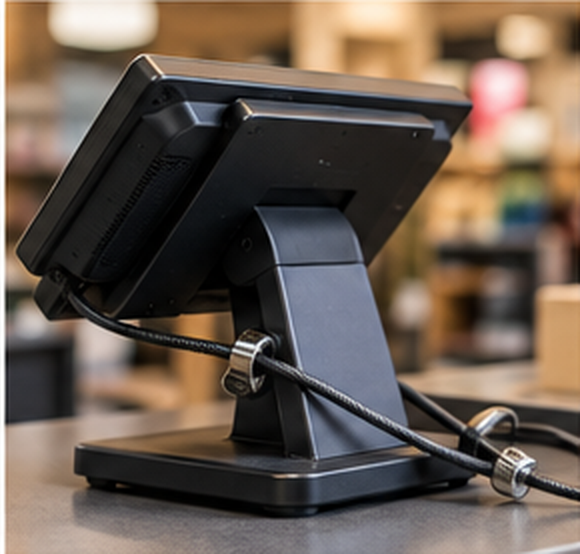
Any computer a customer or the public can reach is a risk. Physical cable locks keep the hardware from walking off. And the terminals themselves should sit in a spot that isn't accessible when the counter is unattended.
4. Records, cash, and controlled inventory
Customer files, payment records, and anything regulated (medical, financial, or otherwise sensitive) belongs behind a real lock, not a desk drawer that rattles open. This is where cabinet locks and a decent quality file cabinet earn their keep. If a locksmith can open it in ten seconds, so can anyone else.
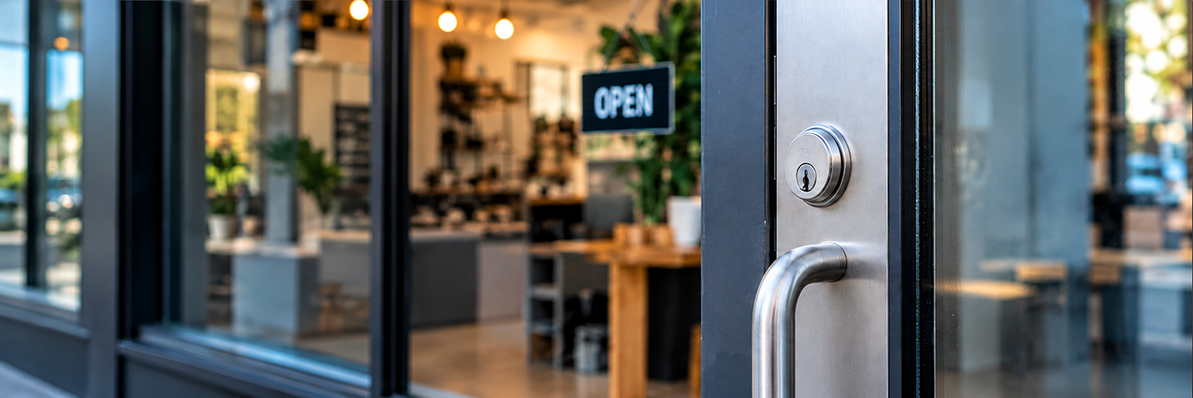
5. Exterior doors and the "first firewall" itself
The front and back doors are the perimeter. A worn deadbolt, a door that doesn't latch cleanly, or a lock that half the former employees still have keys to is an open invitation. Re-keying after staff turnover costs a fraction of what a break-in does, and it closes a gap most owners forget exists.
Matching the lock to the risk
Not everything needs the same level of protection, and over-locking wastes money you could spend closing a real gap. A rough guide:
- High-value, high-target hardware (servers, network gear, cash): keyed cabinet and cam locks, plus a keyed or keypad door on the room.
- Public-facing equipment (POS, shared PCs): cable locks and physical placement out of reach.
- Records and supplies: quality cabinet locks, keyed alike if you want one key to manage several.
- Perimeter: solid deadbolts, and a re-key any time keys go unaccounted for.
If you're not sure what fits, that's exactly the kind of thing our team sorts out every day. Wholesale pricing means the commercial-grade version usually costs less than the hardware-store consumer one anyway.
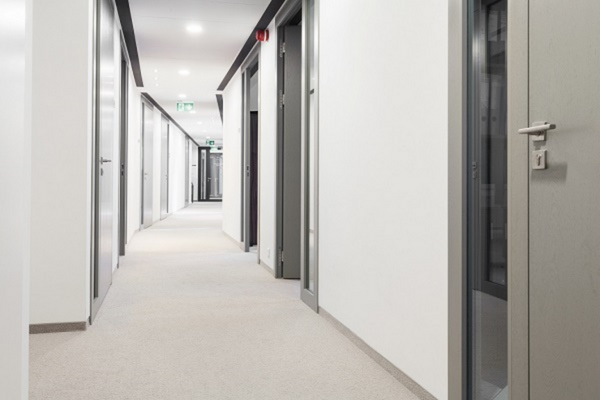
Physical and digital security work as one system
The point isn't that locks matter more than passwords. It's that they're the same job. A firewall keeps the wrong traffic off your network. A lock keeps the wrong hands off the machine running it. Skip either one and the other is doing half a job.
The businesses that get breached rarely get caught by something exotic. They get caught by the obvious thing nobody got around to fixing: the closet that was always unlocked, the keys that were never collected, the cabinet that only looked secure.
Your front door is your first firewall. It's worth treating it like one.
Frequently asked questions
Isn't physical security overkill for a small business?
No. Small businesses are targeted precisely because their physical security is usually weaker than a larger company's. The fixes are inexpensive, and the cost of a break-in or data loss is not.
What's the most important physical security upgrade to make first?
Lock down whatever holds your most sensitive assets, usually the server or network equipment and your records. Then work outward to shared workstations and exterior doors.
How often should we re-key our locks?
Any time an employee with key access leaves, and any time you can't account for all copies of a key. Re-keying is far cheaper than replacing locks or recovering from a break-in.
Can one key work for multiple locks?
Yes. Keyed-alike sets let one key open several locks, which is convenient for cabinets and doors you access often. We can set this up across compatible hardware.
Ready to close the gaps? Browse our cabinet and cam locks, commercial cylinders, and keypad and smart locks, or call us at 1-888-881-4245 and we'll help you match the hardware to what you're protecting.
Family-owned and supplying security professionals since 1912.
Recent Posts
-

The Fall Facility Safety Audit Checklist: LOTO, Padlocks, and Cabinet Locks
Fall is when most facilities run their safety walkthrough. Before the year-end rush and the winter …Oct 7th 2026 -

Your Front Door Is Your First Firewall: Physical Security in a Digital World
You've got a password manager. Two-factor on everything. Maybe a VPN. But the server humming in you …Oct 1st 2026 -
Is Your Lockout/Tagout Program Up to Code? Here’s What You Need to Know in 2026
Every year, thousands of workers are injured — and hundreds killed — because a machine was not prop …May 14th 2026